












videoutils.dev
FreeConvert video in your browser. No upload, no watermark.
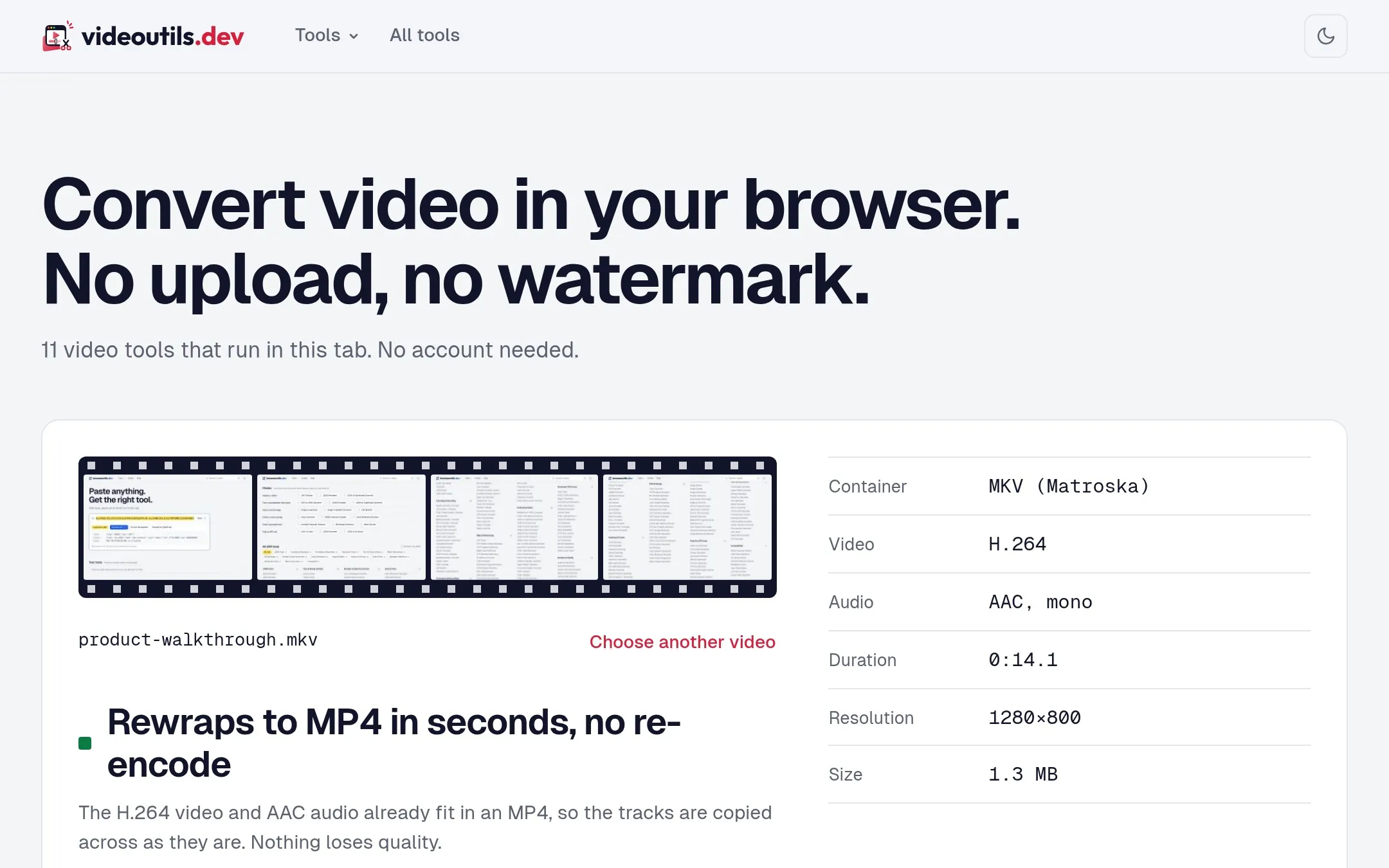
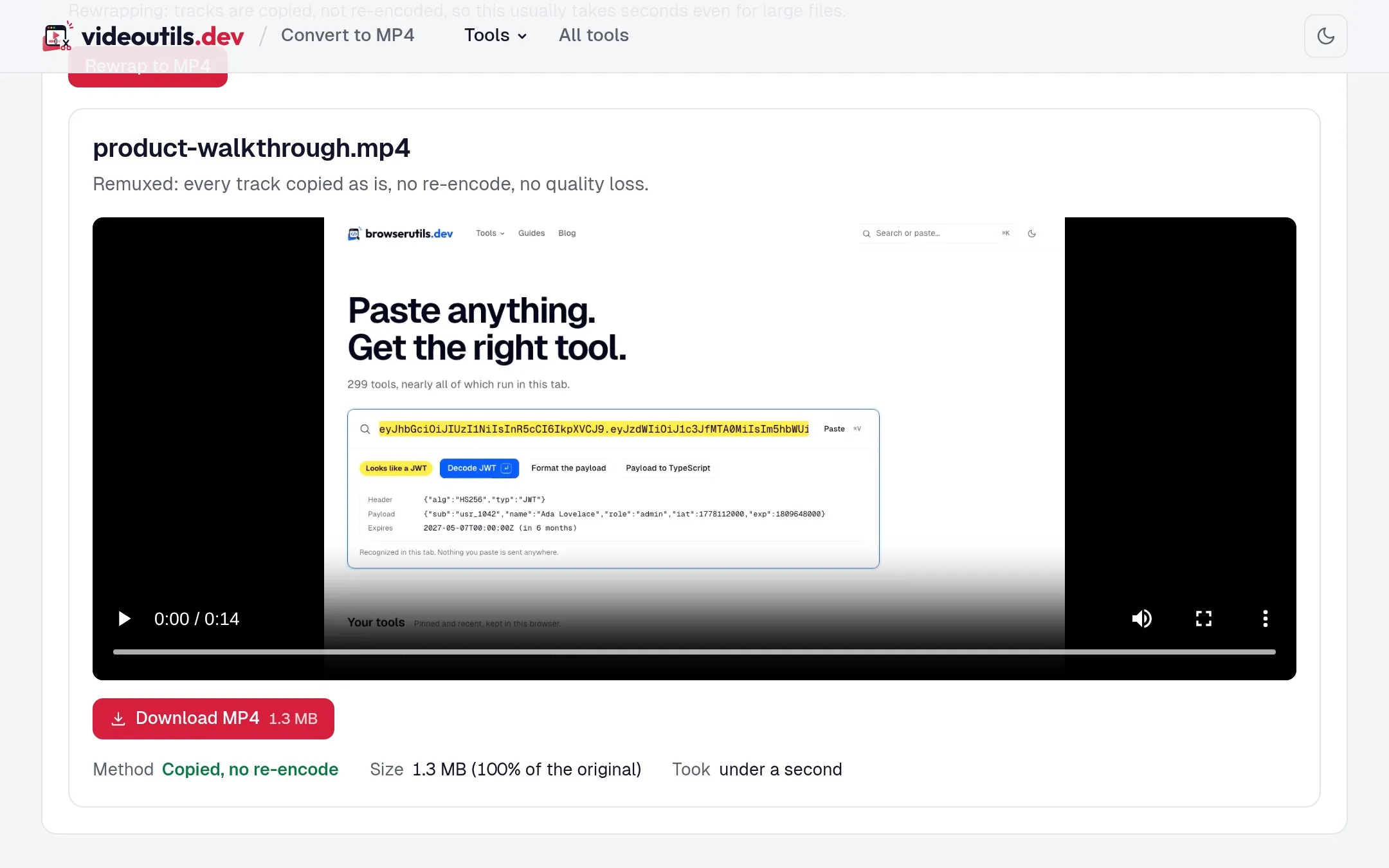
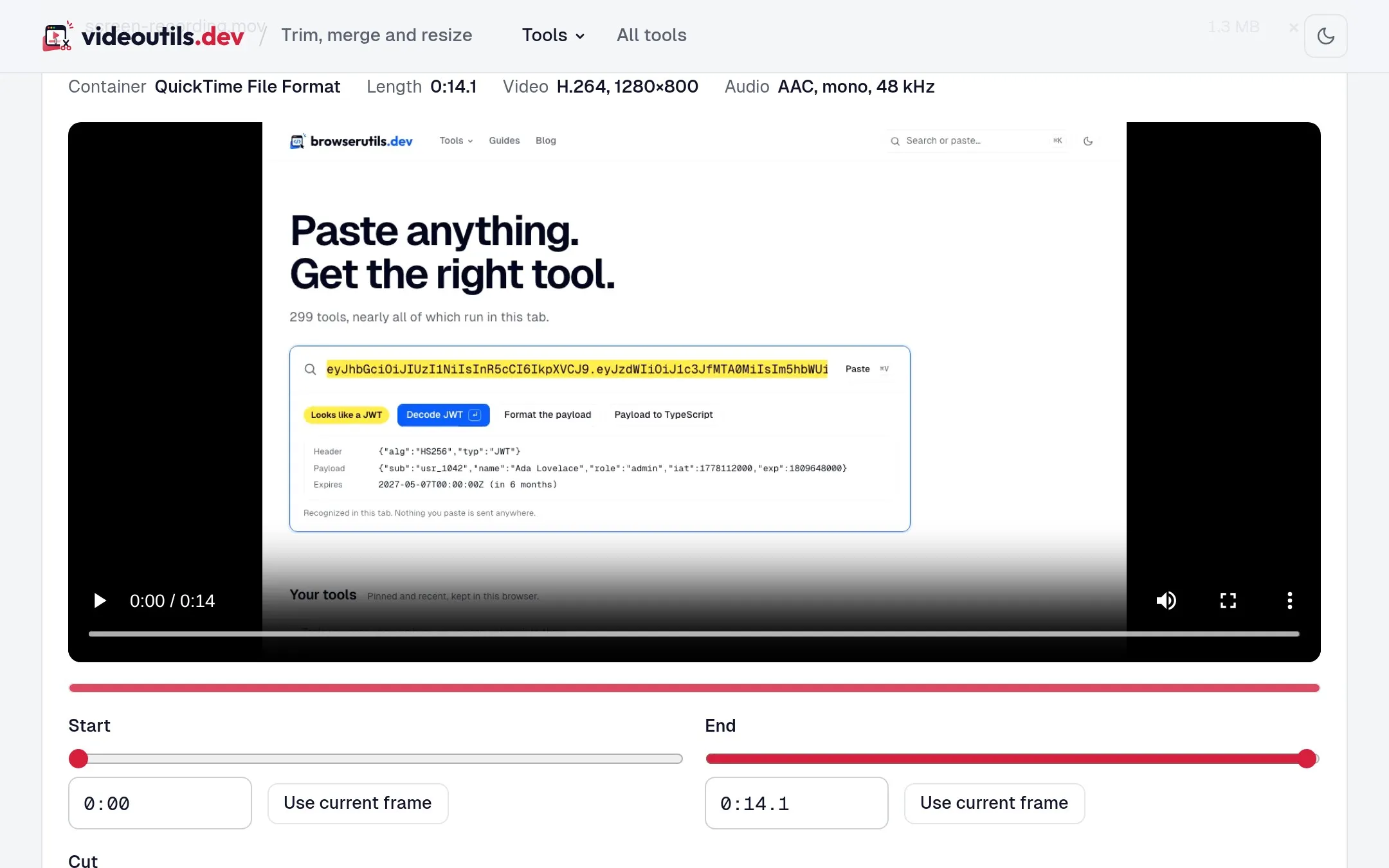
Scrolling through the videoutils.dev website, animations and all
Convert MKV, WEBM, MOV and AVI to MP4, pull the audio out as MP3 or WAV, and trim, merge or resize clips.
When the codecs already fit, videoutils rewraps the file instead of re-encoding it, so most conversions finish in seconds with no quality loss. Everything runs in your browser tab, so your video isn’t uploaded. No account and no watermark.
What it does
- Convert to MP4MKV, WEBM, MOV and AVI, rewrapped when possible, re-encoded when not.
- Audio from videoSave the soundtrack as MP3, WAV or the original track.
- Trim and mergeCut the start and end off, or join clips end to end.
- Video resizer1080p, 720p, square or vertical 9:16, with pad or crop.
- See what’s inside firstDrop a video to see its codecs and whether it needs a re-encode.
- Runs in your tabYour video isn’t uploaded to our servers.
At a glance
- Status
- Free
- Pricing
- Free · no sign-up · no watermark
- Made for
- Anyone converting or shrinking a clip, or pulling the audio out of one.
- Made by
- Simplisik, Nashville TN