












audioutils.dev
FreeConvert, trim and test audio, right in your browser.
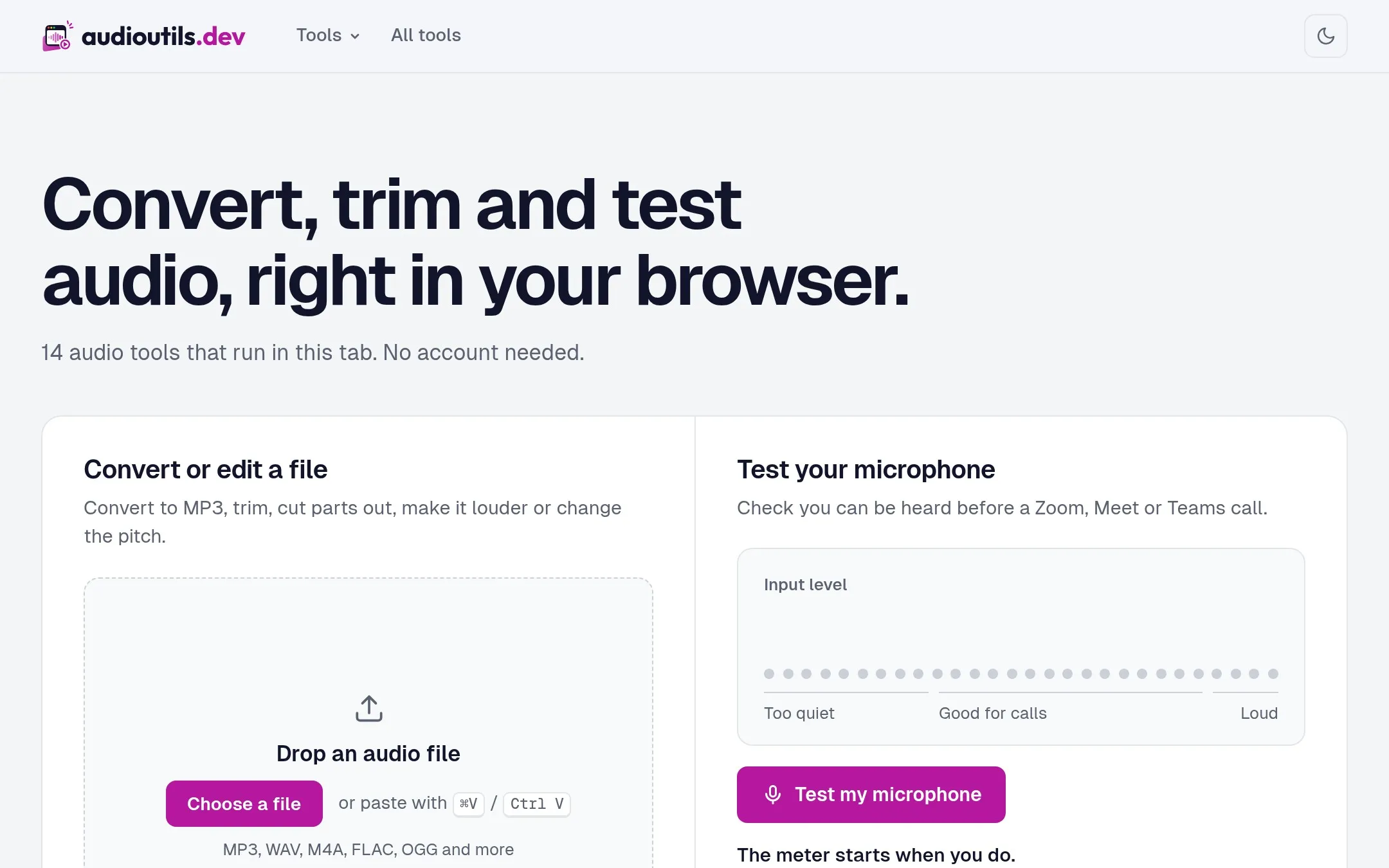
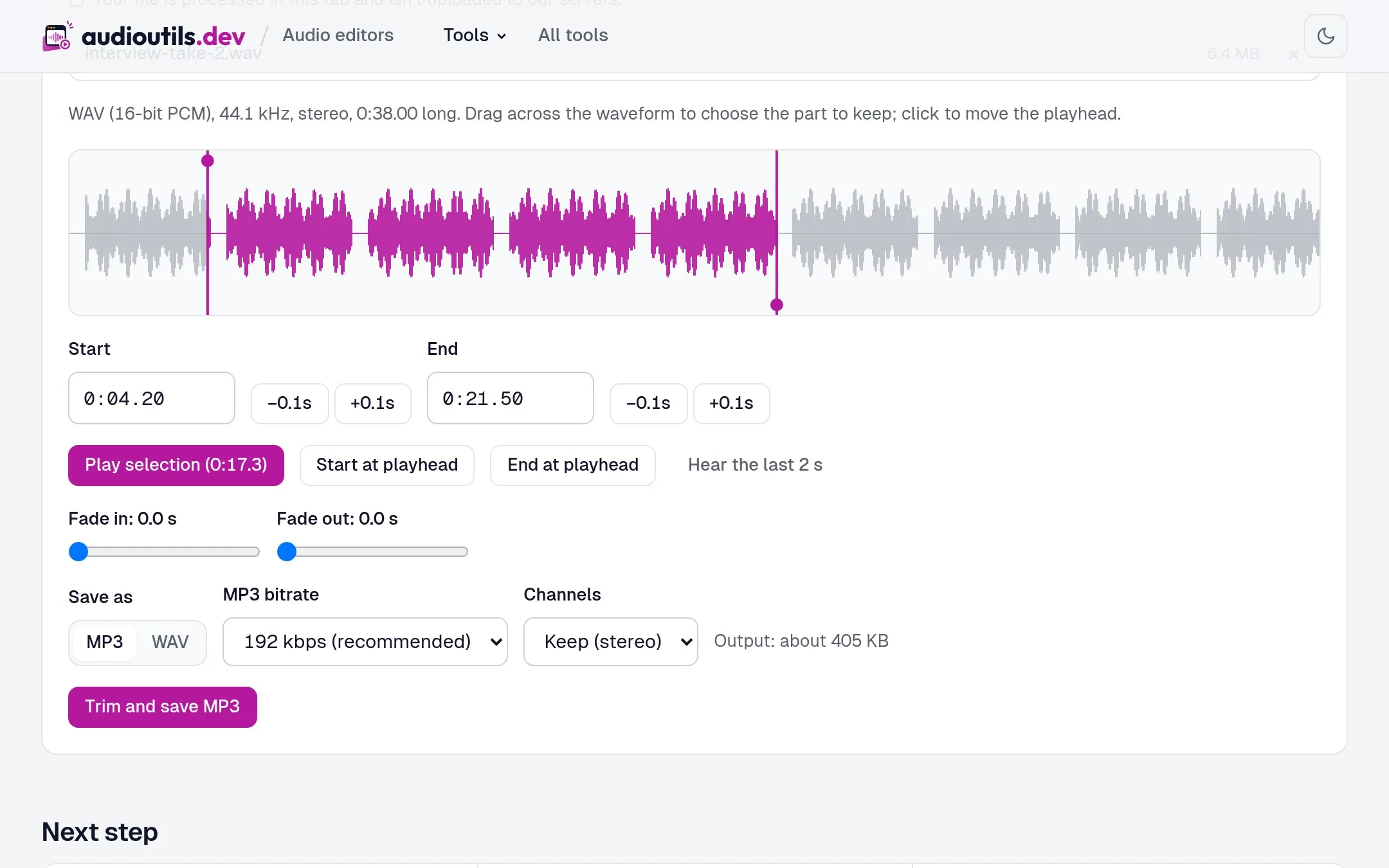
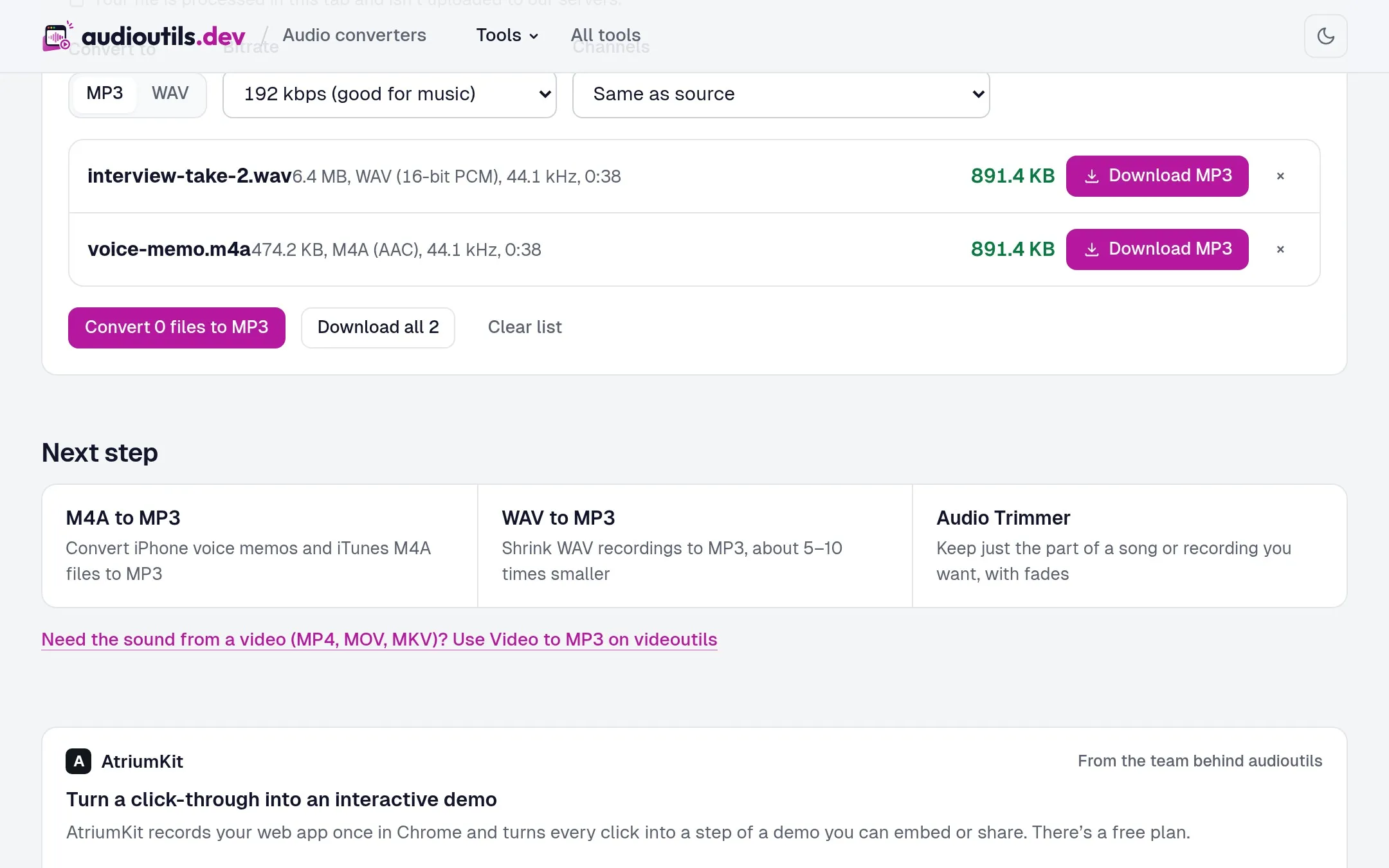
Scrolling through the audioutils.dev website, animations and all
Two things in one place: tools for audio files, and a quick check of your mic, camera and speakers before a Zoom, Meet or Teams call.
Convert WAV, M4A, FLAC and more to MP3, trim, cut, join, boost the volume or change the pitch, or record your voice. Files are processed in your browser tab and aren’t uploaded to our servers. No account needed.
What it does
- MP3 converterWAV, M4A, FLAC, OGG and more to MP3, several files at once.
- Audio editorsTrim, cut, join, boost and re-pitch, with a waveform.
- Mic testA live level meter and a plain verdict before your call.
- Webcam and speaker testsReal resolution and frame rate, left and right channels.
- Voice recorderRecord in the browser and save as MP3 or WAV.
- Runs in your tabYour file isn’t uploaded to our servers.
At a glance
- Status
- Free
- Pricing
- Free · no sign-up
- Made for
- People converting or trimming audio, and anyone about to join a call.
- Made by
- Simplisik, Nashville TN